18th November 2026
Believe it or not it’s almost 2027, so it’s time to think about your 2027 calendar!
Traditional calendars and diaries often come in very small print and include design elements that can make them difficult to read. However, there are options which are more user-friendly.
Large Print
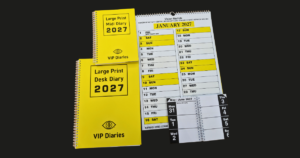
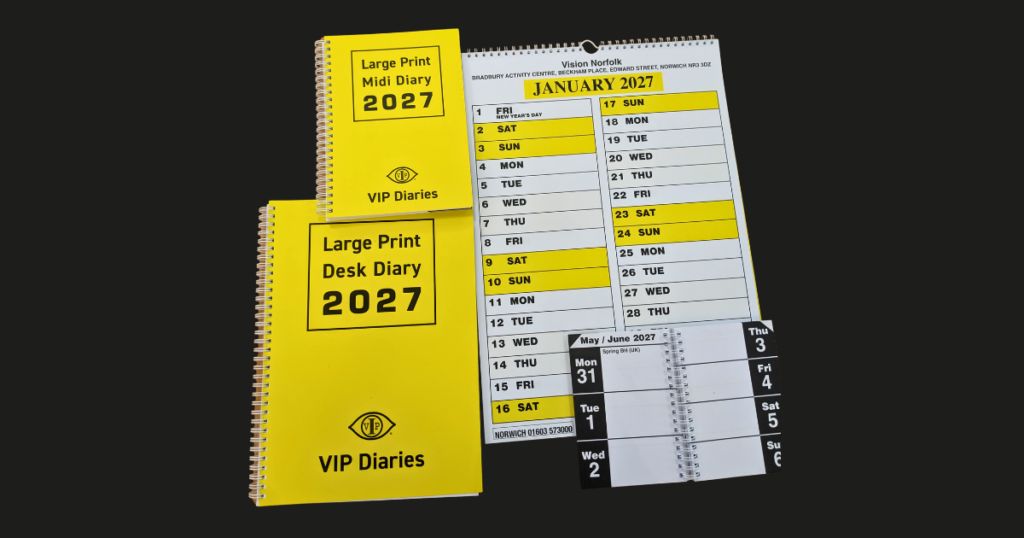
Large print calendars and diaries can be a good option if you like to have a physical diary and have enough remaining sight to read larger, high contrast text. There are hanging and portable options of varying sizes. Vision Norfolk sells large print calendars and diaries or they can be purchased from most places that sell equipment for people with vision impairment.
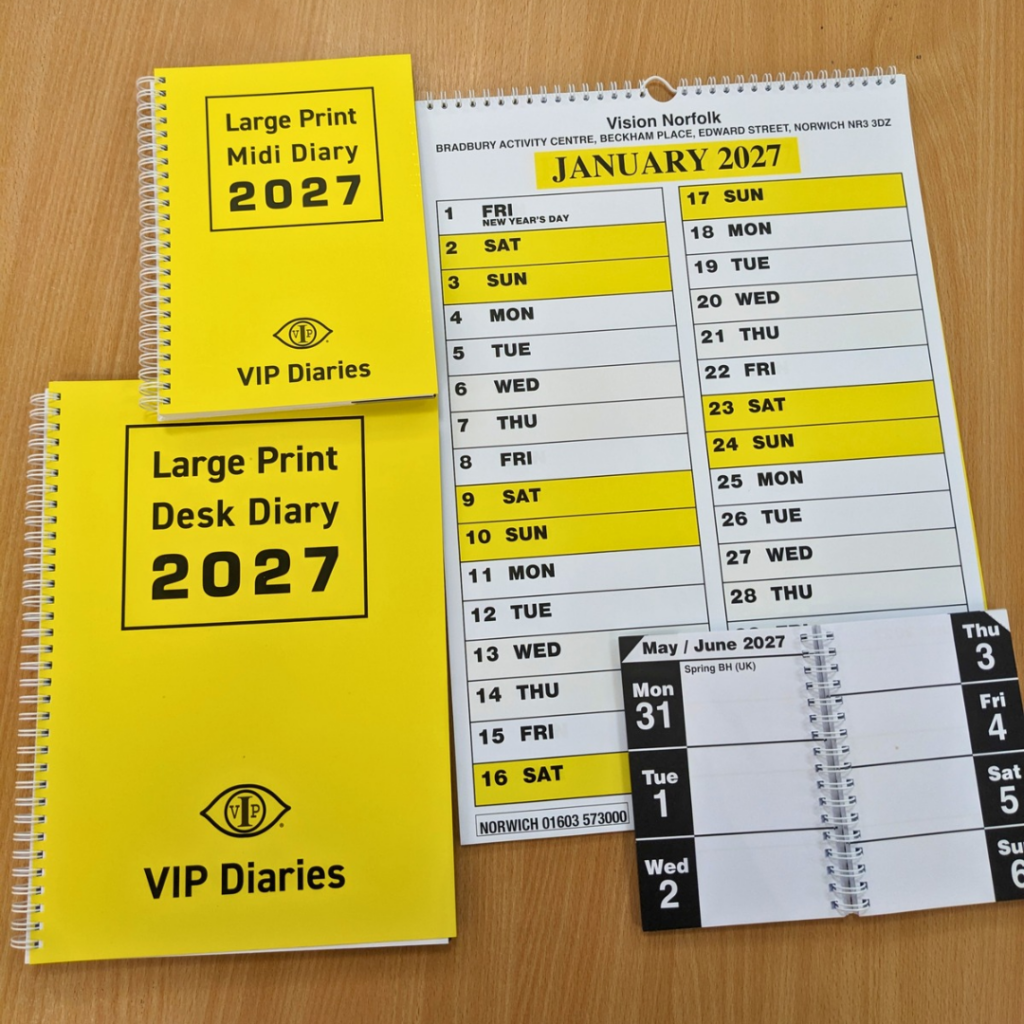
Vision Norfolk’s 2027 large print calendars and diaries are available now. They have plain large text with lots of spaces to write in appointments. They are mostly black text on a white background, with the calendar weekends highlighted in yellow.
Diaries are available in three sizes pocket, mid and desk (A4) and cost between £7.50 and £12. Calendars are A3 and cost £12 each.
They are available from the Vision Norfolk centres in Norwich, King’s Lynn and Great Yarmouth. As in previous years we are also able to send out via mail order. Payments can be made via card over the phone or by cheque through the post.
Audio Options
If you would like to receive information audibly, a PENfriend can add notes to tactile dots which can be used along with a physical outline to make your own talking calendar or to add more detail to a large print calendar.
Most smartphones and tablets have a built-in calendar feature which can be used along with the accessibility settings that you have set up on your device. This can be quite useful to check and change appointments when you’re on the move.
Virtual assistants are available on most smartphones and tablets to make creating notes and appointments and accessing information even easier. Siri on Apple devices and Google Assistant on Android will allow you to set appointments and reminders by speaking to your phone and the device will enter the details to your digital calendar. You can then access the information by asking the assistant to read out what events you have on the calendar for a particular date. If you have a smart speaker such as the Amazon Echo or Google Assistant, you can set and receive reminders audibly, similar to using a virtual assistant.
Braille
If you prefer to write or read your appointments in Braille, you could use a Braille notetaker. These are small, electronic and portable devices and you can use either the built-in speech synthesizer or Braille display to store information.
We're Here To Help
Vision Norfolk can provide free one-to-one support setting up smart technology such as smart speakers and mobile phones. We also have an equipment centres in Norwich, King’s Lynn and Great Yarmouth where you can try out and purchase equipment and our community outreach workers are available to provide support at home.
Please call Vision Norfolk on 01603 573000 to find out how we can help.